
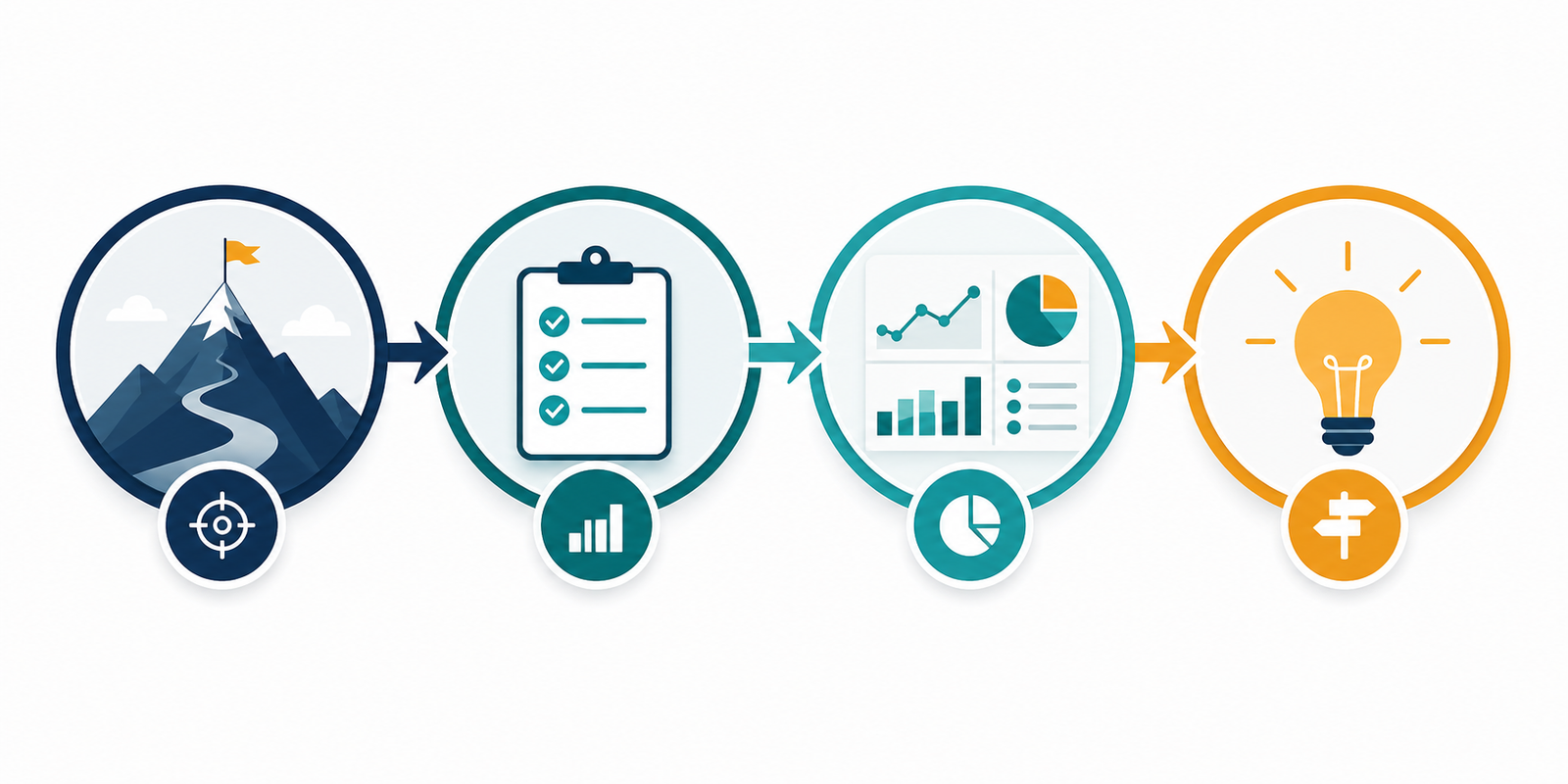
GA4 conversion tracking should tell a small business which marketing activities produce meaningful customer actions. It should not become a collection of events that looks busy but cannot support a commercial decision. A reliable setup begins with a measurement plan, clear definitions and careful testing.
This guide explains how to configure useful conversions, validate the data and turn GA4 reports into practical marketing decisions.
Define valuable customer actions first
List the actions that indicate genuine progress: a qualified enquiry, booked consultation, completed purchase, subscription or important account registration. Separate these outcomes from supporting interactions such as scrolls, video plays and downloads. Supporting events can help diagnosis, but they should not all be treated as conversions.
Write a definition for each primary action, including exclusions. For example, decide how test submissions, spam, duplicate forms and cancelled orders will be handled.
Create a simple measurement plan
For every event, record its name, trigger, business meaning, owner and testing method. Use consistent lower-case naming and avoid platform-specific labels that may become confusing later. A short measurement dictionary helps developers, marketers and sales teams interpret the same number consistently.
Configure events at the right point
Track success only after the intended action is confirmed. A click on a submit button is weaker evidence than a successful form response or thank-you page. Ecommerce events should reflect completed transactions and include accurate value, currency and product information.
Where possible, use Google Tag Manager to keep implementation organised, but avoid adding tags without governance. Document changes and keep a test environment or clear validation routine.
Test every customer journey
Complete each journey on desktop and mobile. Check GA4 DebugView and real-time reporting, then confirm the event appears once with the expected parameters. Test common failure states as well as success. A validation checklist prevents quiet errors from becoming months of misleading reporting.
Control internal and unwanted traffic
Internal visits, development work, payment failures and spam can distort small data sets. Configure appropriate filters carefully and retain an unfiltered reference where practical. Review sudden increases by source, location and landing page before assuming marketing performance improved.
Connect GA4 with lead quality
GA4 can show that a form was completed, but it cannot automatically know whether the enquiry became a suitable opportunity. Reconcile analytics conversions with CRM or sales records. Even a monthly comparison of enquiries, qualified leads and won business makes reporting far more useful.
Build a focused report
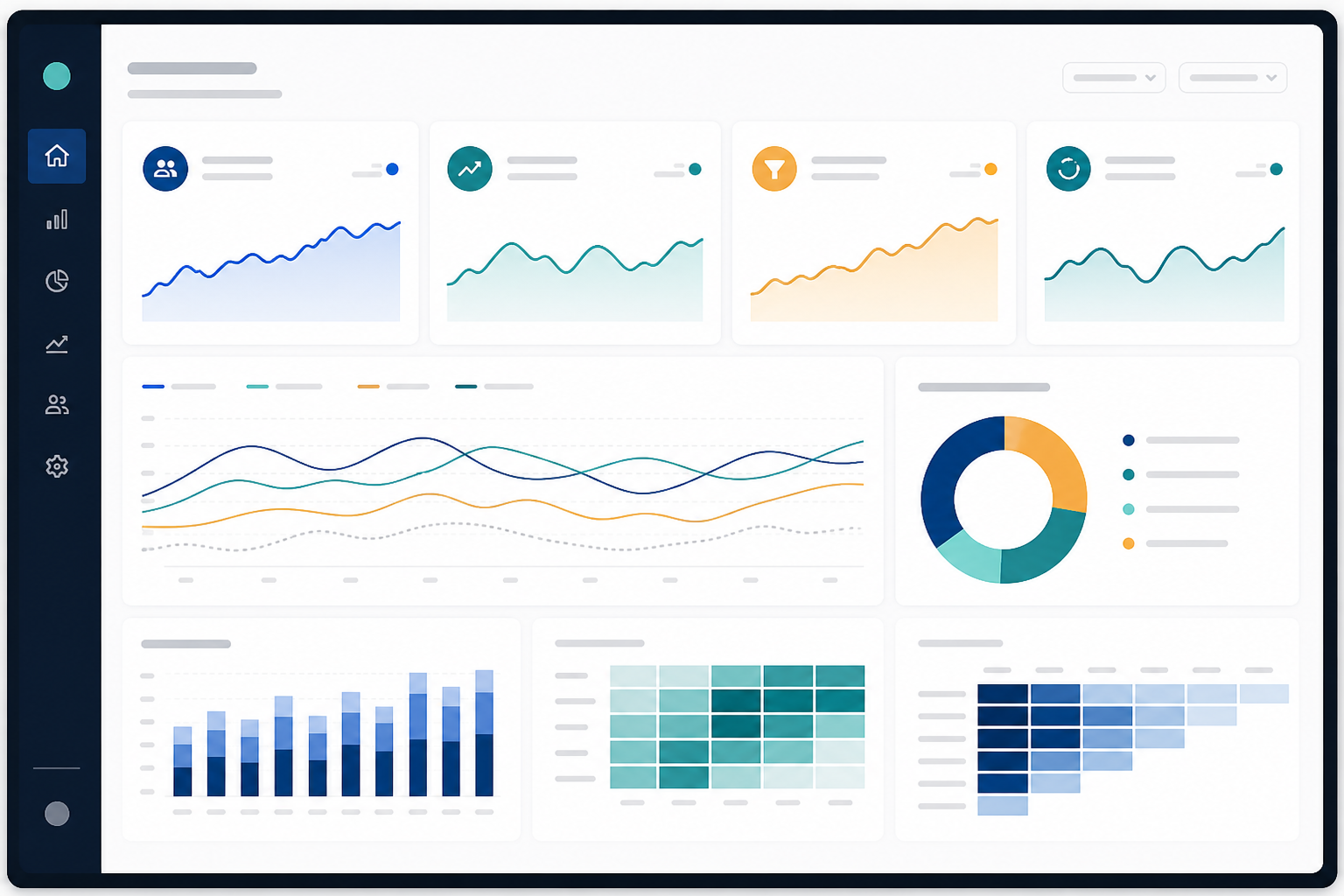
Report primary conversions, conversion rate, source or campaign, landing page and, where reliable, commercial value. Add diagnostic metrics only when they help explain change. Compare with a suitable prior period and annotate website, campaign or tracking changes.
Common mistakes to avoid
- Marking every engagement event as a conversion.
- Tracking button clicks instead of confirmed outcomes.
- Changing event names without documenting the break.
- Ignoring consent settings and privacy requirements.
- Reporting platform conversions without checking lead quality.
A practical review routine
Check tracking health weekly and review commercial performance monthly. Assign an owner to every important event. When the data changes, investigate implementation, demand, user experience and sales capacity before choosing an action.
Good GA4 conversion tracking is deliberately small, tested and connected to business outcomes. Start with the few actions that matter most, build trust in those numbers and expand only when a new event will support a real decision.