
An SEO content plan should not begin with a list of keywords copied from a tool. It should begin with a simple question: what does a potential customer need to understand before they trust a business enough to make contact, book, or buy? When a website answers those questions clearly, it creates useful content for people and stronger topical signals for search engines.
For a new or growing business, a practical plan is more valuable than a crowded editorial calendar. You do not need to publish every day. You need a reliable way to choose topics, match them to customer intent, create pages that add real value, and improve them as your knowledge and data grow. This guide explains a repeatable process that works for service businesses, consultants, local companies, and specialist teams.
Begin with customer conversations, not search volume
The most useful content ideas are often already inside the business. They appear in enquiry emails, discovery calls, sales notes, customer support conversations, product returns, reviews, and face-to-face questions. These are not merely “frequently asked questions.” They are evidence of the decisions people are trying to make.
Start a shared list of questions without judging them too early. Include the exact wording where possible. A home renovator may hear, “Do I need planning permission before a loft conversion?” A web designer may hear, “What should I prepare before our first meeting?” A payroll provider may hear, “Can you take over in the middle of a tax year?” Each question can reveal a useful article, a service-page section, a checklist, or an improvement to the buying journey.
Talk to the people closest to customers. Sales and support colleagues know the objections that stop a purchase. Project managers know the steps that surprise new clients. A business owner knows which enquiries are a good fit and which are not. This combined knowledge helps you create content that attracts the right audience rather than simply chasing a large number of unrelated clicks.

Sort questions by the job they need to do
Not every question needs a standalone blog post. Some questions belong on a service page because the reader is already close to making a decision. Others deserve a detailed guide because a person needs time to understand the subject. Sorting by intent prevents you from creating several pages that say the same thing in slightly different words.
- Awareness questions: someone has noticed a problem and needs a clear explanation of what it means.
- Comparison questions: someone is weighing approaches, providers, costs, or trade-offs.
- Decision questions: someone wants details about process, availability, eligibility, or the next step.
- Support questions: an existing customer needs instructions, troubleshooting, or a policy explanation.
For example, “What is local SEO?” is usually an awareness question that works well as a guide. “How much does local SEO support cost?” may belong on a service page, a pricing guide, or a FAQ depending on your business model. “How long does it take to update a Google Business Profile?” can be a helpful supporting article. The purpose of the content should be clear before you decide the format.
Search research can validate and expand your ideas, but it should not replace customer insight. Check the current results for a topic to understand the formats people expect: guides, product pages, local service pages, comparisons, videos, or reference material. Look for gaps in clarity rather than treating every ranking page as a template to copy.
Build topic clusters around important services
A content cluster is a group of related pages that help a reader move from a broad question to a specific decision. At the centre is a core service or commercial page. Around it are supporting guides, checklists, comparisons, and FAQs. Internal links connect the pages where they genuinely help someone continue their research.
Imagine a business that provides website design. Its central service page explains the offer, process, portfolio, and enquiry route. Supporting articles could cover planning a website brief, choosing between a template and a custom build, preparing website copy, and reviewing a launch checklist. Each article should be complete on its own while naturally pointing readers to the relevant service page when professional help is the logical next step.
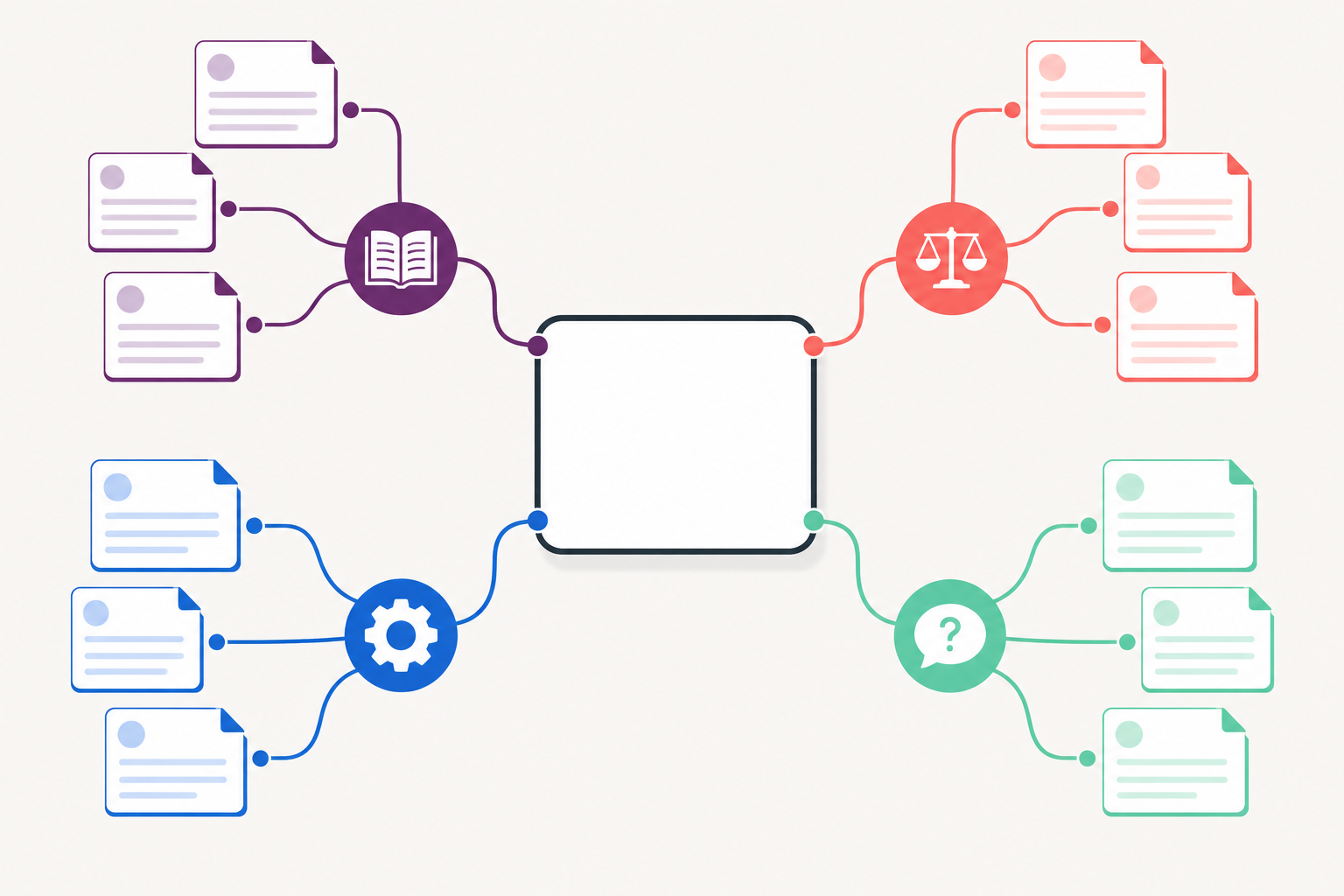
Do not use internal links as decoration. The anchor text should describe the destination, and the link should answer a likely next question. A guide about choosing a project management tool can link to an implementation service, but only if that service genuinely helps someone who has made a choice. This approach is better for readers and creates a clearer site structure.
Choose topics with a simple priority score
A small business does not need a complicated scoring model. Use a short checklist to decide which page deserves attention next. Consider how closely the topic relates to a valuable service, how often customers ask about it, how useful your business can be on the subject, and whether the page can help someone take an informed next step.
One practical method is to rate each idea from one to three on relevance, customer urgency, uniqueness of perspective, and business value. The score is not a promise of traffic. It is a way to keep editorial decisions grounded. A highly specific question from a potential client may deserve priority even if a keyword tool shows low search volume, because the right reader could become a valuable enquiry.
Be realistic about your authority. If a topic requires legal, medical, financial, or safety expertise that your business does not have, do not present generic research as professional advice. Either work with an appropriately qualified reviewer, cite authoritative sources, or choose a topic you can explain credibly from your own experience. Trust grows when a page is honest about its scope and limitations.
Turn an outline into a genuinely useful article
Before writing, define the reader’s question in one sentence and list what a helpful answer must include. A strong outline usually has an opening that sets context, clear sections that answer the main parts of the question, examples or practical steps, any relevant limitations, and a calm next action. The article should be easy to scan without becoming a collection of shallow bullet points.
Use natural language. Include the main topic in the title, introduction, a relevant heading, and the URL when it remains concise. Then use related terms where they clarify the idea. Repeating the same phrase in every heading does not make the page more helpful. Search engines are increasingly able to understand related wording; the reader should always come first.
Add original value. You might include a decision framework, a checklist, examples from a typical workflow, common mistakes, or a short explanation of how to prepare. Do not publish an article simply because a competitor has one. Ask what a reader would still be uncertain about after reading the existing results, then resolve that uncertainty with clear, accurate guidance.
Create a sustainable publishing rhythm
Consistency does not mean publishing on an unrealistic schedule. For many small teams, one high-quality article every two to four weeks is more sustainable than multiple rushed posts. Choose a frequency that leaves time for research, editing, image selection, internal links, and a final accuracy check. A smaller collection of reliable pages can support trust and organic growth much better than a large archive of thin content.
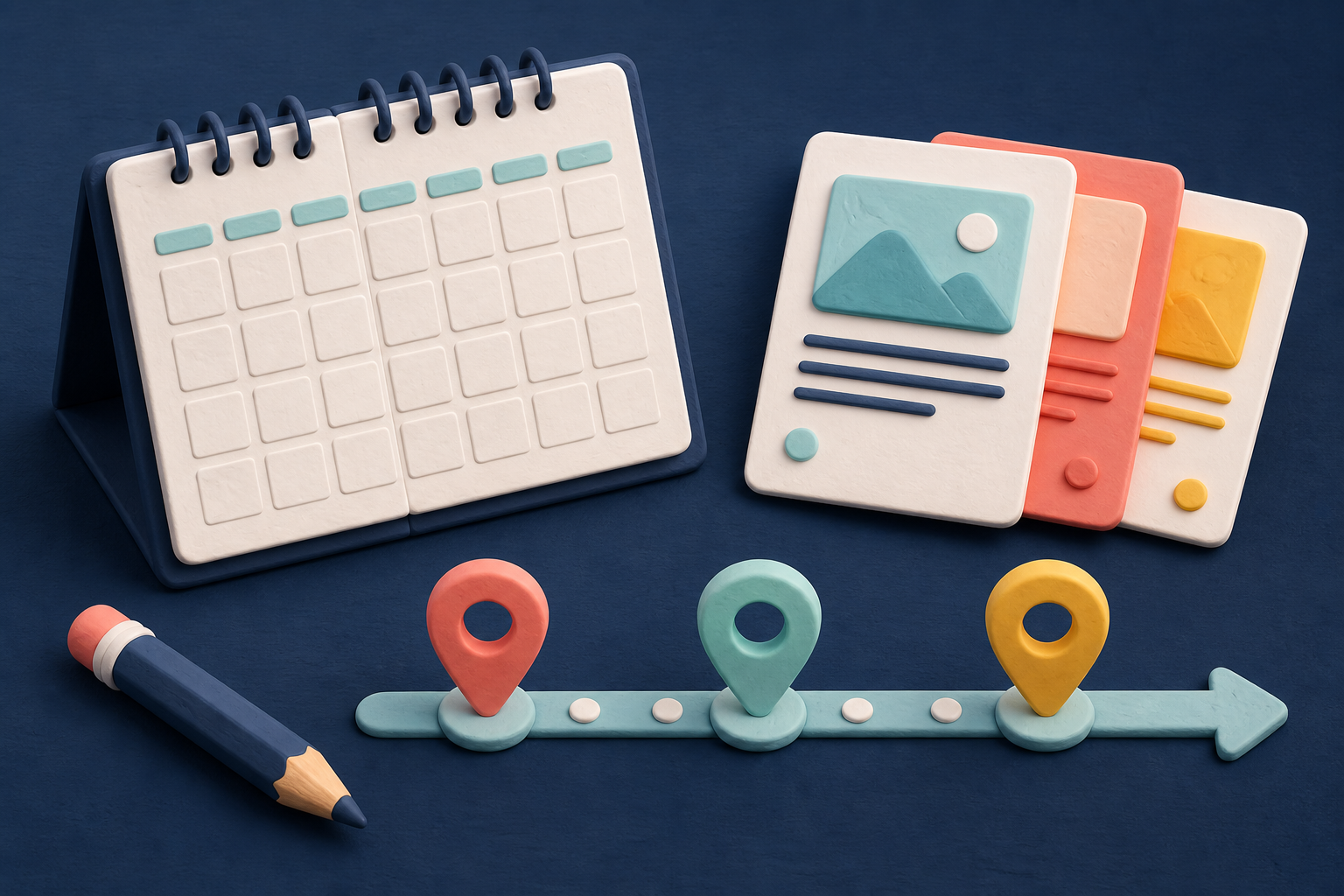
Use an editorial calendar to plan the work, but keep it flexible. Record the target audience, main question, content format, core service connection, status, publication date, reviewer, and update date. If a major customer question emerges, move it ahead of a less urgent topic. The calendar should support good judgement, not trap the business into publishing content that is no longer useful.
Build reasonable time for post-publication work. Share a new guide with appropriate email subscribers or social audiences only when it is relevant. Add internal links from older pages where they improve the journey. Check that the page is available through normal site navigation or related content. Submit the URL through Search Console if the page is important, then give Google time to crawl and evaluate it.
Use images and page elements with purpose
Original visuals can make an abstract process easier to understand, but every image should earn its place. A diagram can show a topic cluster more clearly than a paragraph. A process illustration can break up a long guide. A featured image gives the page a distinct visual identity. Choose images that relate to the surrounding copy rather than adding the same generic graphic to every article.
Add concise alternative text to meaningful images so the information remains accessible to visitors using screen readers. Describe the image’s function, not a list of keywords. Give images sensible filenames, keep file sizes reasonable, and test how the article reads on a phone. If an image cannot load, the page should still make sense.
Measure what helps customers, not only rankings
After an article has been live long enough to collect data, use Search Console to review impressions, clicks, and the queries that trigger it. Look for signs that the page is attracting the intended audience. Analytics and business data should then show whether visitors continue to useful pages, subscribe, contact the business, or complete another meaningful action.
Do not judge an article only by its position for one phrase. A practical guide may rank for many related questions and assist a later conversion without being the last page someone sees. At the same time, do not keep content merely because it exists. If it has become outdated, overlaps with another page, or no longer represents the business, update, merge, redirect, or remove it thoughtfully.
Refresh content with evidence
Set a realistic review date for important pages. A fast-changing topic may need frequent updates, while a stable how-to guide can be reviewed every six to twelve months. During a refresh, confirm that facts, screenshots, services, prices, and policies are accurate. Add missing questions that have emerged, improve internal links, and remove sections that no longer help the reader.
Keep a note of material changes and update the visible date when that is useful for the reader. Do not change dates simply to make a page appear fresh. A genuine update reflects better information, clearer organisation, or a change in the business. This builds a content library that becomes more valuable over time instead of a collection that slowly loses relevance.
A simple 60-day content-plan routine
- Week 1: collect customer questions from sales, support, reviews, and service delivery.
- Week 2: sort questions by intent and map the best ones to services, guides, comparisons, or FAQs.
- Weeks 3–4: publish one complete article that solves a high-priority question and links naturally to a relevant core page.
- Weeks 5–6: add another supporting resource, improve internal links, and check mobile usability.
- Weeks 7–8: review Search Console, early reader behaviour, and new customer questions; select the next priority.
An SEO content plan is not a promise of instant traffic. It is a way to build useful answers consistently, connect them to the services that matter, and give customers confidence in the business behind the site. Start with one question you hear repeatedly, answer it better than a generic summary, and make it easy for a reader to contact Business Rank Hub when they need help.